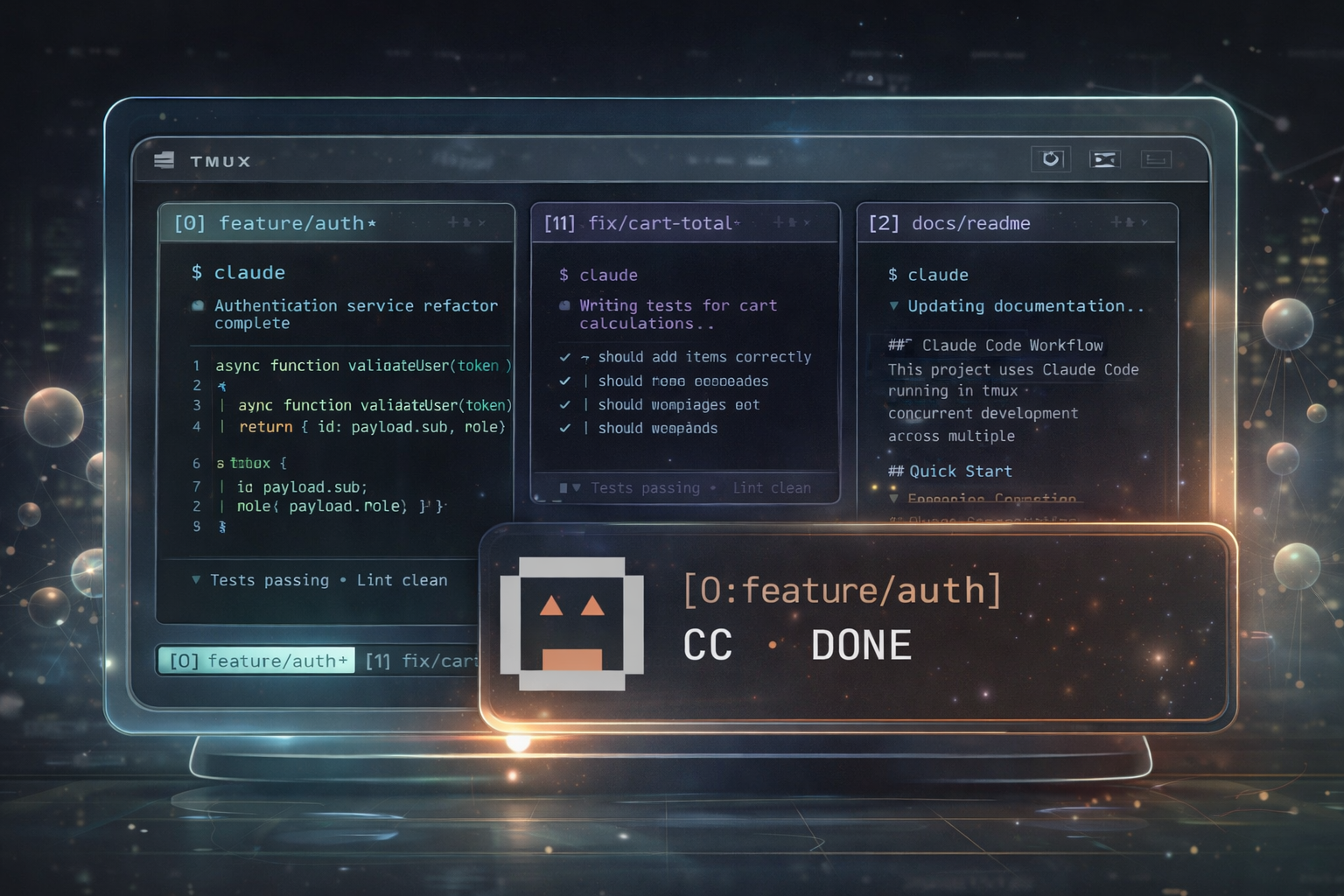
cc-notifynub: A Pixel-Art Companion for Claude Code in tmux
My daily setup: Ghostty terminal, tmux, and multiple Claude Code instances, each in its own tmux window, each working on a different feature. In each window I keep Neovim side by side for review.
The problem? Jumping between windows with Ctrl+A
+ window index
to check if Claude is done yet. Or worse, realizing minutes later that Claude has been waiting for permission to run a command while I was focused on something else entirely.
Yes, Claude Code now has an auto mode that skips permission prompts entirely. But if you prefer to stay in control and review what Claude does before it acts (which I do), you’ll be dealing with permission prompts regularly. Claude Code also supports native desktop notifications in terminals like Ghostty and Kitty, but when you’re running multiple instances across tmux windows, a macOS notification that says “Claude needs attention” doesn’t tell you which one, and you still have to find the right window manually.
That’s why I built cc-notifynub, a pixel-art notification overlay that pops up right inside tmux, shows me which window needs attention, and lets me jump there with a single Enter keystroke.
Demo & Source Code
Source code: GitHub Repo
How It Works
Instead of actively monitoring each Claude Code session, NotifyNub handles the routing:
- You start Claude Code tasks in multiple tmux windows
- You focus on reviewing or coding in
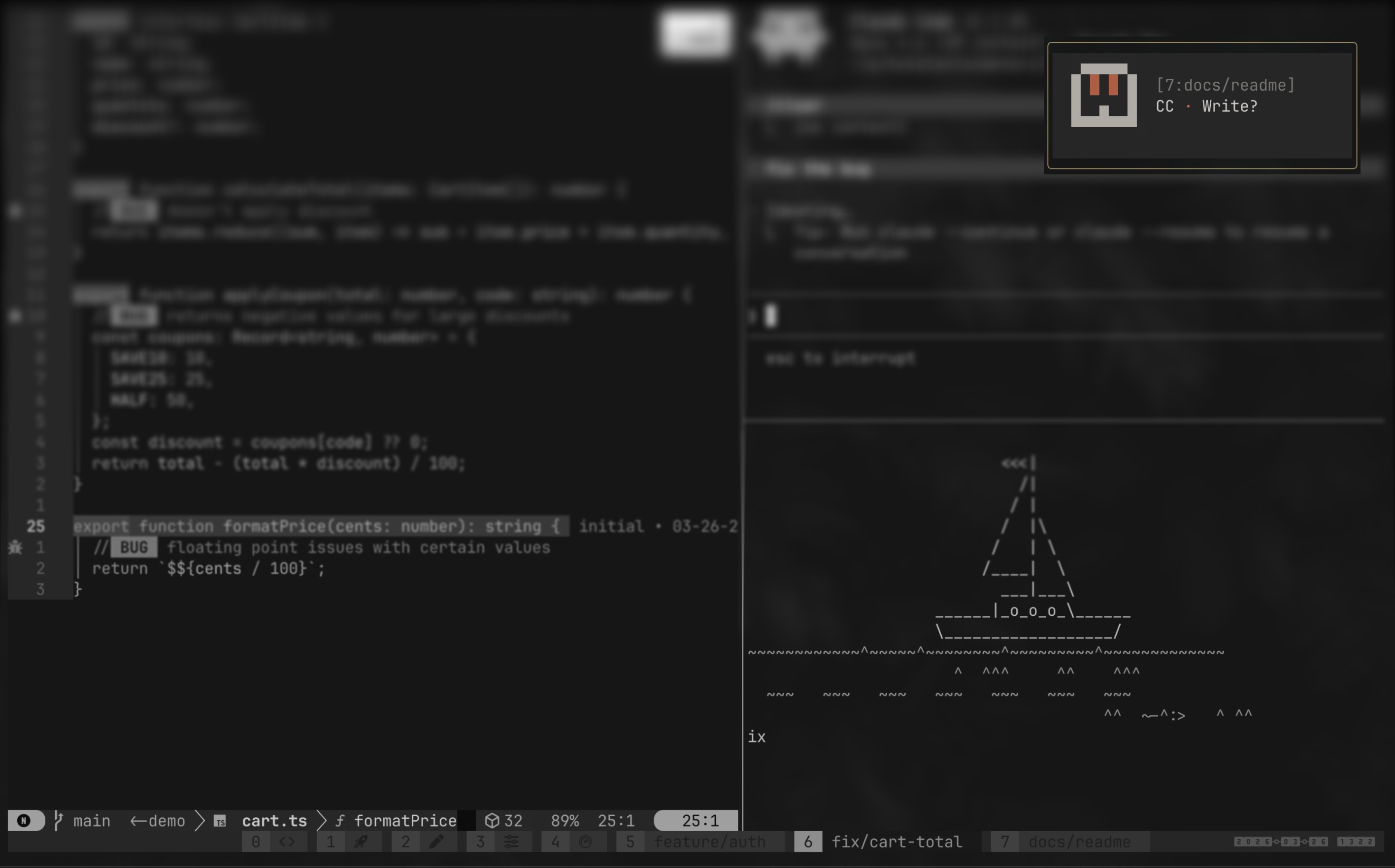
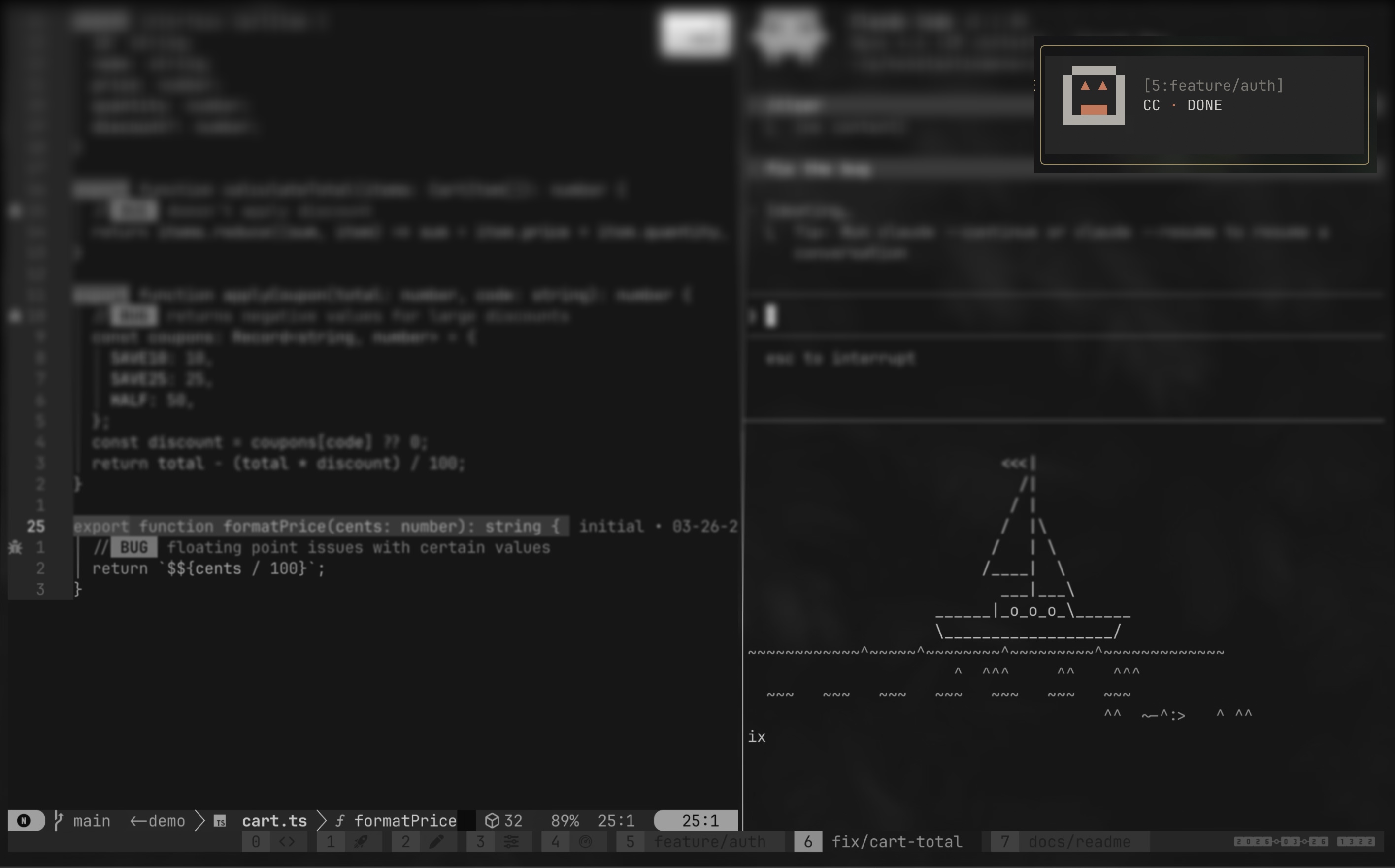
[5:feature/auth] - A popup appears in the top-right corner: Claude in
[7:docs/readme]needs permission to run Bash - You press Enter and tmux jumps you straight to that window
- You approve, give the next instruction, and switch back to
[5:feature/auth] - Another popup:
[6:fix/cart-total]is done. You review when you’re ready
NotifyNub is a small pixel-art character rendered with ANSI colors. It has two states:
     ▄▄▄▄▄              ▄▄▄▄▄
    █ ▲ ▲ █            █ ▓ ▓ █
    █ ▄▄▄ █            █  ▄  █
    ▀▀▀▀▀▀▀            ▀▀▀▀▀▀▀

Done Permission- Done
▲ ▲: Claude finished a task. Shows the source window. Auto-closes after 5 seconds. - Permission
▓ ▓: Claude needs tool approval. Shows the specific tool name (e.g. “Bash?”, “Edit?”). Auto-closes after 10 seconds.
Press Enter to jump to the source window, or q to dismiss.
Getting Started
Note: I developed and tested cc-notifynub on macOS with Ghostty and tmux.
Prerequisites
- tmux 3.5+ (check with
tmux -V) - Claude Code with plugin support
Install
Add the marketplace source and install the plugin:
/plugin marketplace add konstantindenerz/cc-notifynub
/plugin install cc-notifynub@cc-notifynub
The hooks are registered automatically.
Test It
Trigger a test notification without waiting for Claude to finish:
~/.claude/plugins/marketplaces/cc-notifynub/scripts/notify.sh --test
~/.claude/plugins/marketplaces/cc-notifynub/scripts/notify.sh --test permission
Under the Hood
The entire plugin is a single bash script (~130 lines) with zero external dependencies, not even jq. It hooks into Claude Code via two hooks: Stop (task finished) and Notification with the permission_prompt matcher (tool approval needed).
A few things worth highlighting:
- JSON parsing without jq: hook payloads are parsed with
grep/cutand bash regex. Tool names like"Permission to use Bash"are extracted to show"Bash?"in the popup. - tmux display-popup: the mascot renders inside a
tmux display-popup(3.5+), pinned to the top-right corner. State and window info are passed as environment variables via-eflags. - Window awareness: if you’re already looking at the Claude window that finished, the “done” popup is suppressed. Permission prompts always show.
The full source is on GitHub. It’s short enough to read in one sitting.
What’s Next
Right now, a new notification replaces any popup that’s already on screen. If two Claude instances finish at the same time, you’ll only see the second one. In practice this rarely causes issues because the timing usually doesn’t overlap, but it’s something to be aware of. A notification queue is on the list for a future version.
Conclusion
If you’re running multiple Claude Code instances in tmux and want to stay in your flow, give NotifyNub a try: GitHub.